Platform: WindowsProducts: Managed Backup (Agent), MSP360 Backup
Article ID: kb00350Last Modified: 16-Oct-2026
Gathering Gathering Local Repository (Windows Only)
In certain cases, Support may request the local repository to help investigate an issue. This article describes how to provide it.
Sending the local repository with Diagnostic Logs
Starting from Backup Agent 8.3, the ability to send the local repository with the Diagnostic Logs was introduced.
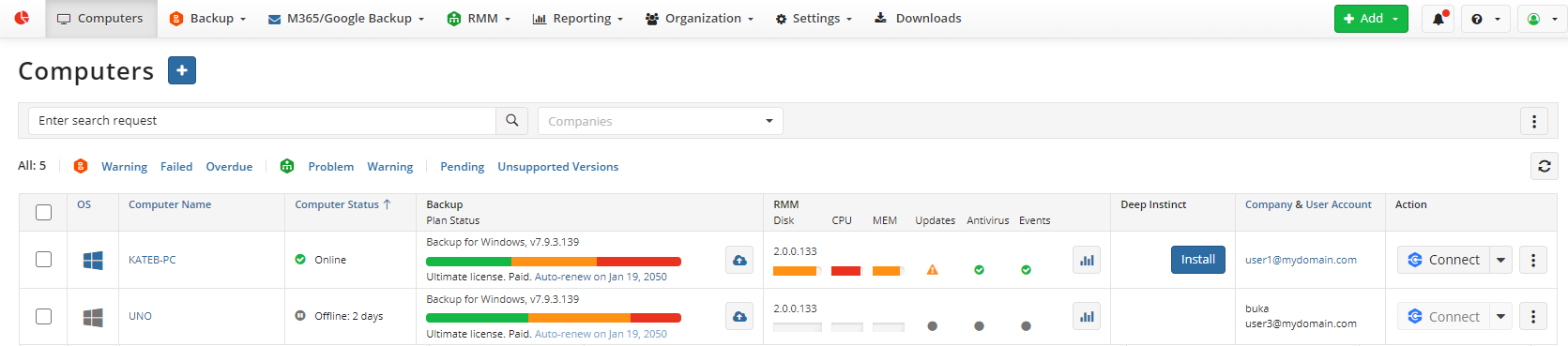
- Open the Computers page and find the computer in question.
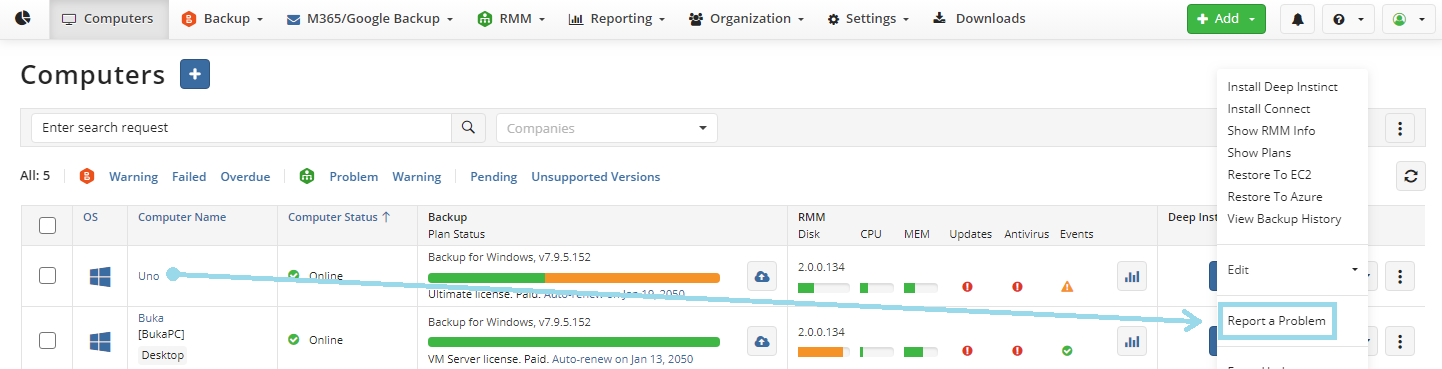
- Select the three dots to the right of the machine and select "Report a Problem".
- Select the option to Send logs to Support, select Backup, expand Options for specific Support Team requests, and select local repository from Backup Agent.
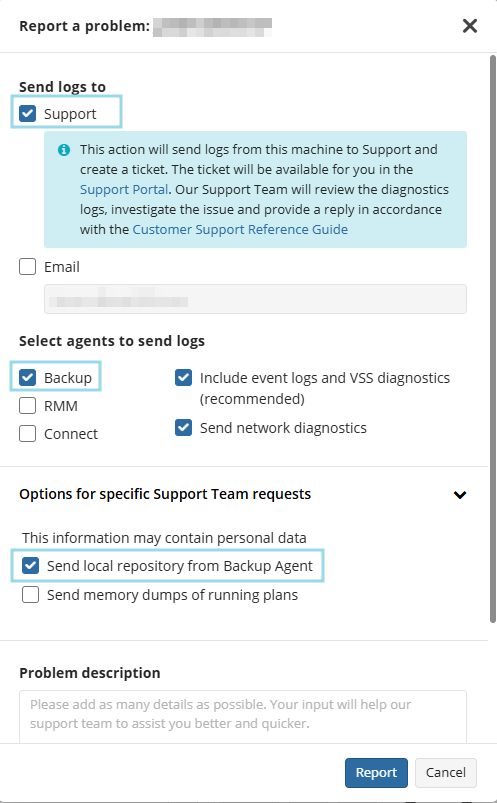
Please make sure you have already enabled high logging in the Backup Agent settings, and if you already have a Support Case open, include the ticket number.
This option is also available in the local Backup Agent GUI. In the MSP360 Backup Agent, click Tools, then select Diagnostic.
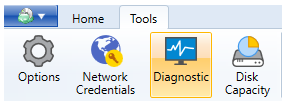
Select the option Include local repository folder.
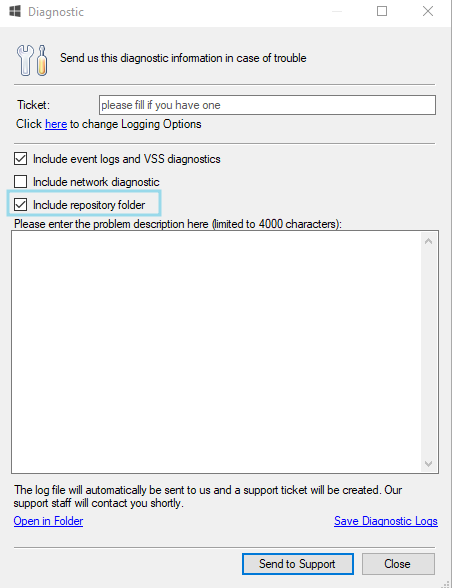
The local repository will then be sent to Support with the Diagnostic Logs and can be used for further investigation of the issue.